
Groups define the permission for access to various Console features. Users are then assigned to Groups and thus assume those permissions. To access the Groups list, select Groups from the Menu.
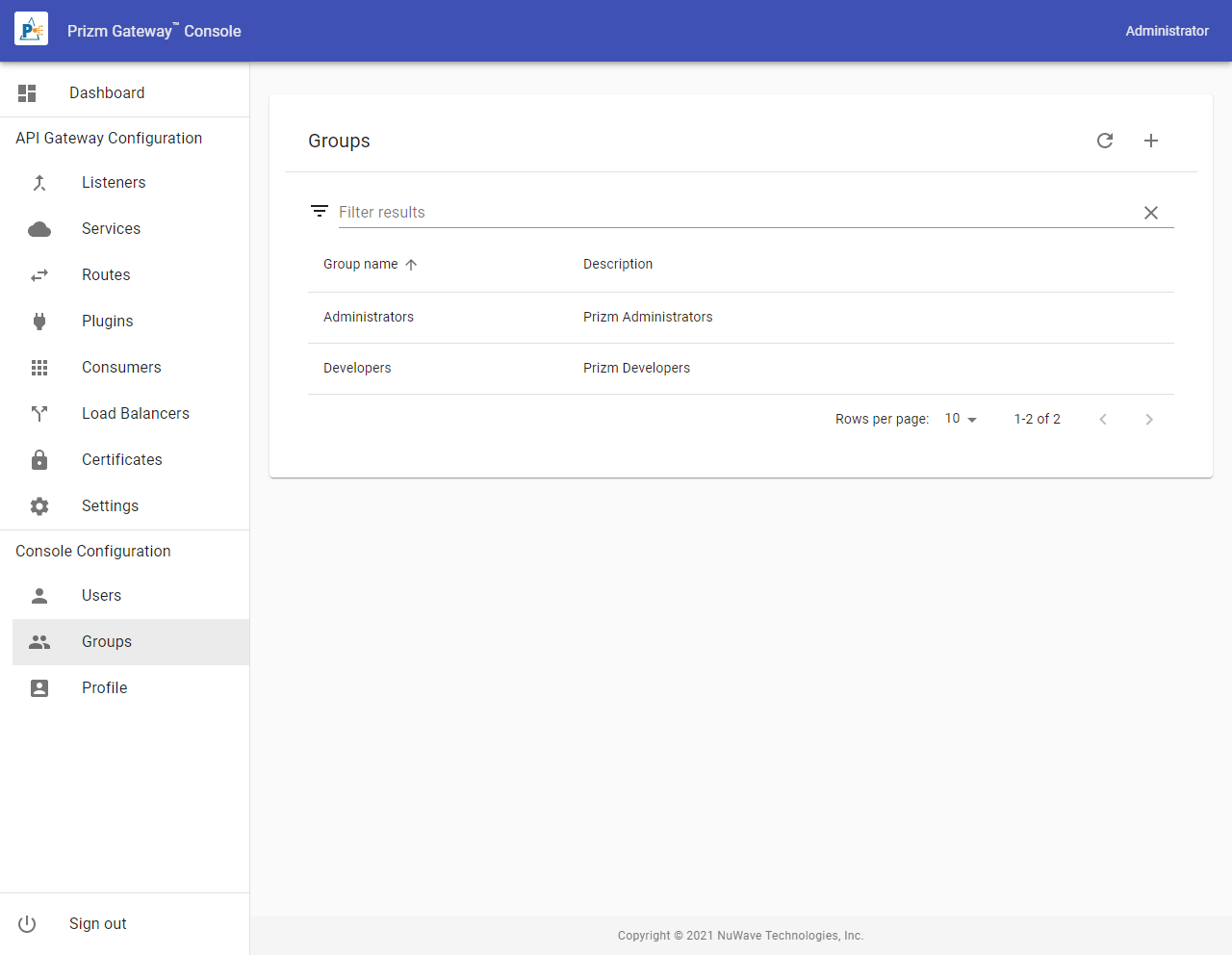
To create a User, select the Add action icon from the Users list. To edit an existing User, select it from the List.
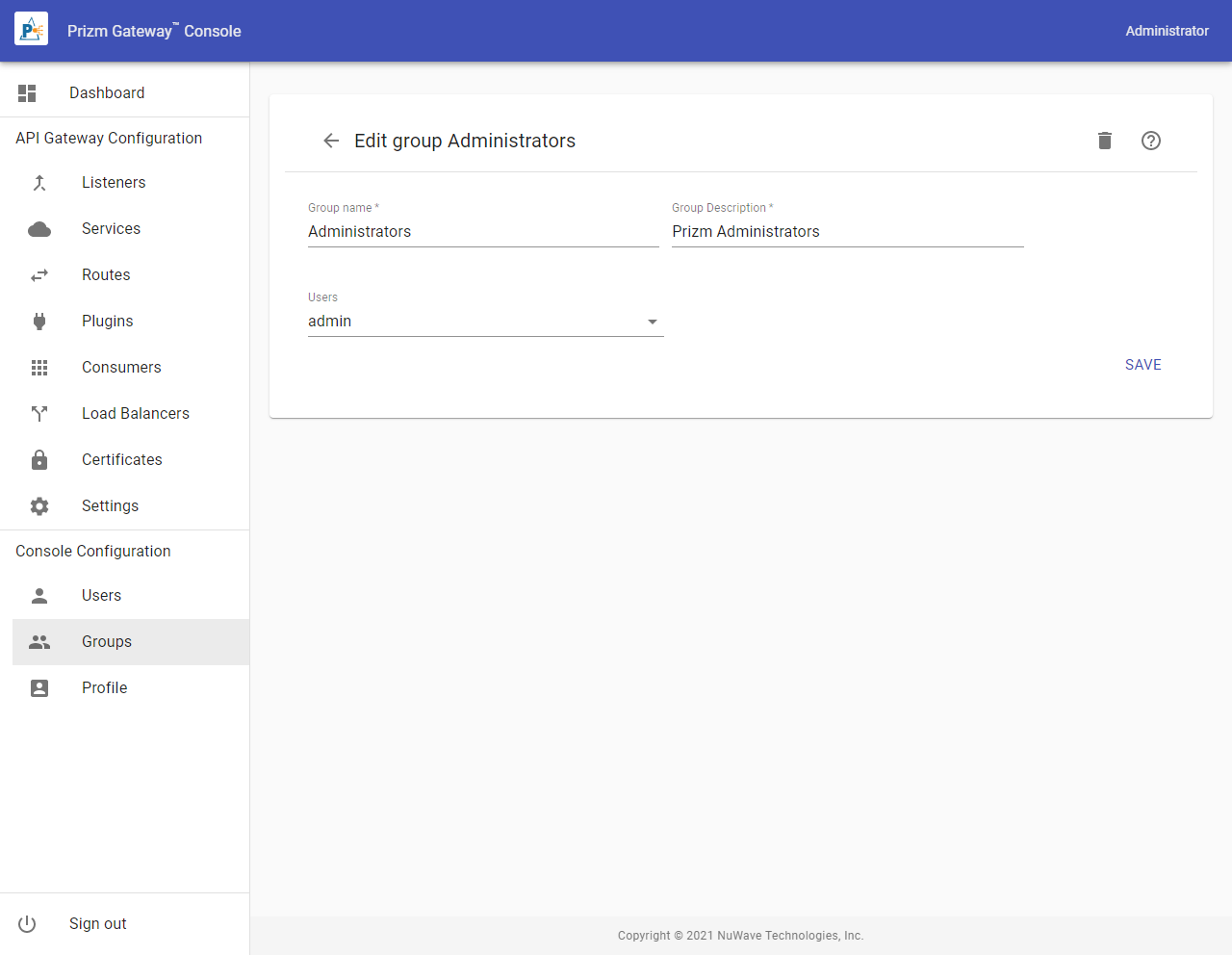
User Properties
|
Property |
Description |
|---|---|
|
Group Name |
The name of the Group. Names must begin with a letter, end with a letter or digit, be 64 characters or less in length, and contain only letters, digits, hyphens, underscores, or periods. |
|
Group Description |
A brief description of the Group. |
|
Users |
Select the users that are members of this group. |