
Services may send traffic directly to a single backend service provider instance, or the traffic may be directed to a Load Balancer which will distribute traffic to multiple backend service instances. To access the Load Balancers list, select Load Balancers from the Menu.
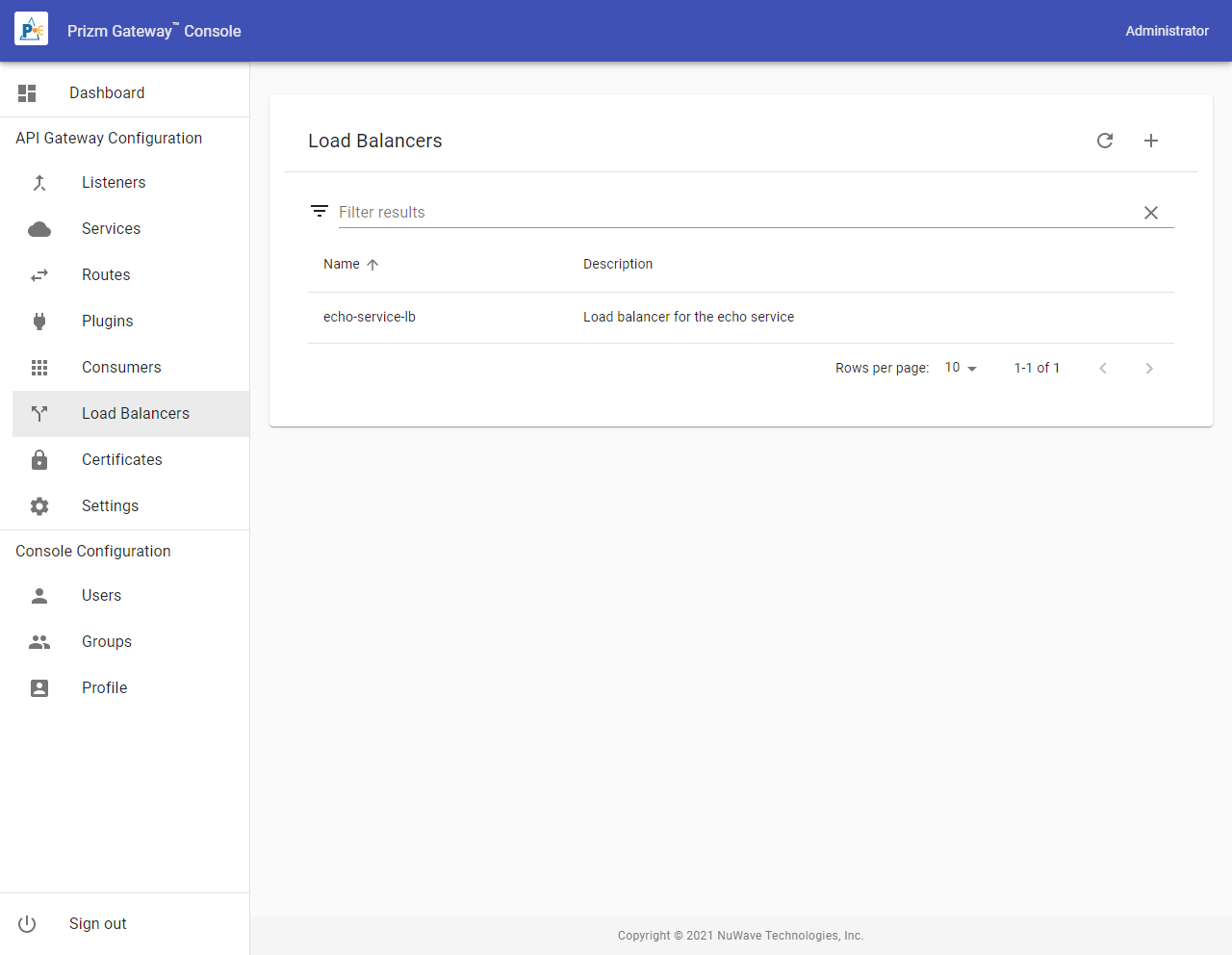
To create a Load Balancer, select the Add action icon from the Load Balancers list. To edit an existing Load Balancer, select it from the List.
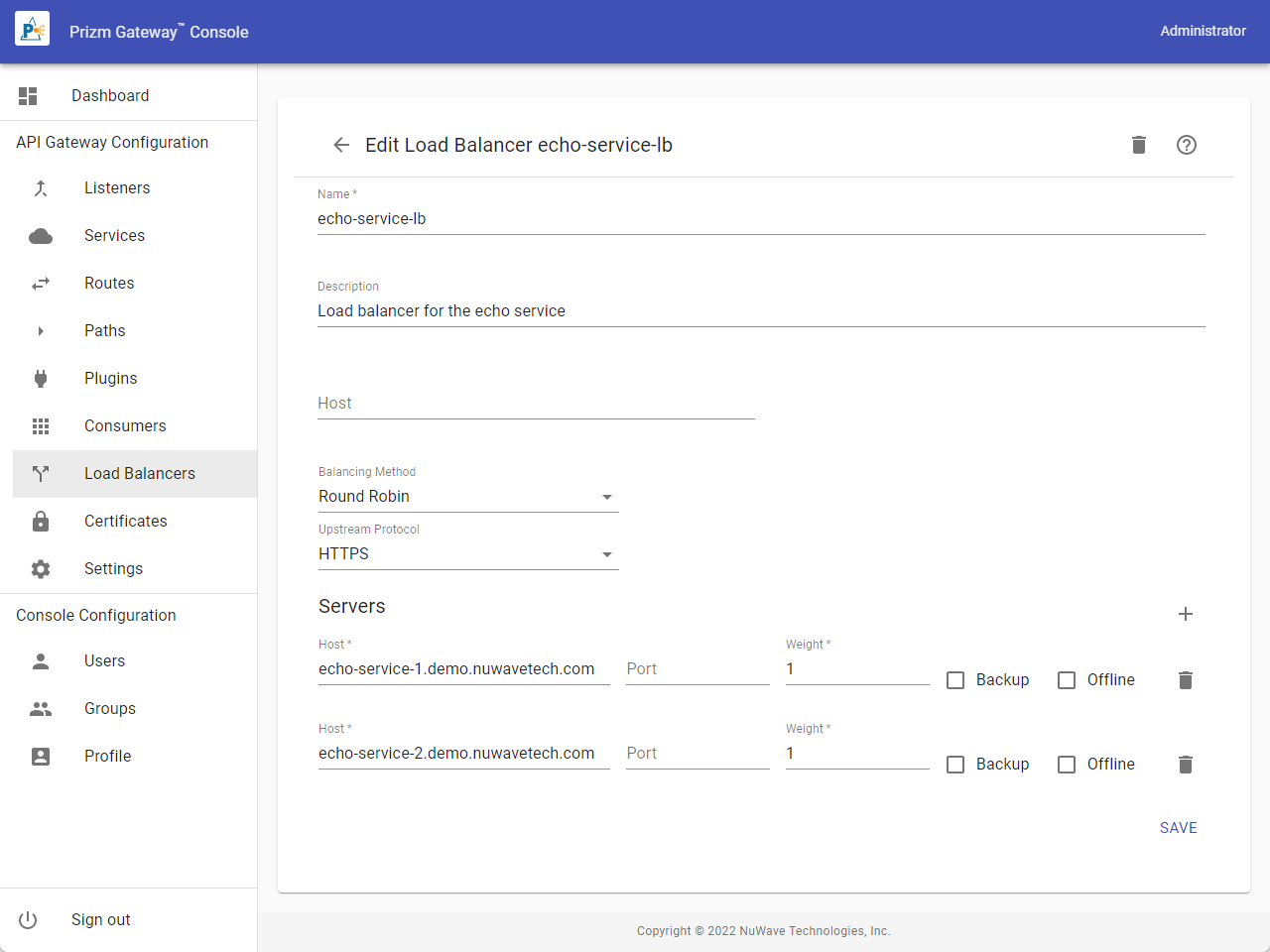
Load Balancer Properties
To add a server to the Load Balancer, select the Add action icon to the right of the Servers header. To remove a service, click the Delete action icon to the right of the server entry.
|
Property |
Description |
|---|---|
|
Name |
The name of the Service. Names must begin with a letter, end with a letter or digit, be 64 characters or less in length, and contain only letters, digits, hyphens, underscores, or periods. |
|
Description |
A brief description of the Service. |
|
Host |
The host name to use when forwarding the request to the upstream server. This name will be used in the HTTP host header and as the SNI name for TLS connections. If omitted, the host name of the original request is used. |
|
Balancing Method |
One of:
|
|
Upstream Protocol |
Whether to use HTTP or HTTPS for the connection to the web service provider. |
|
Host |
For each server, the host name or IP address of the server |
|
Port |
For each server, the TCP/IP port of the server. |
|
Weight |
For each server, the weight of the server. Servers with higher weight values will receive more requests, proportional to its weight and the weight of other servers. |
|
Backup |
If selected, this server will not receive requests unless no other servers are available. |
|
Offline |
If selected, this server will not receive requests. This option may be used to temporarily remove an offline server from the balancer configuration without deleting it. |