
Services define upstream web services service providers. HTTP requests exit the gateway to through Services, either directly, or through a logical Load Balancer. To access the Services list, select Services from the Menu.
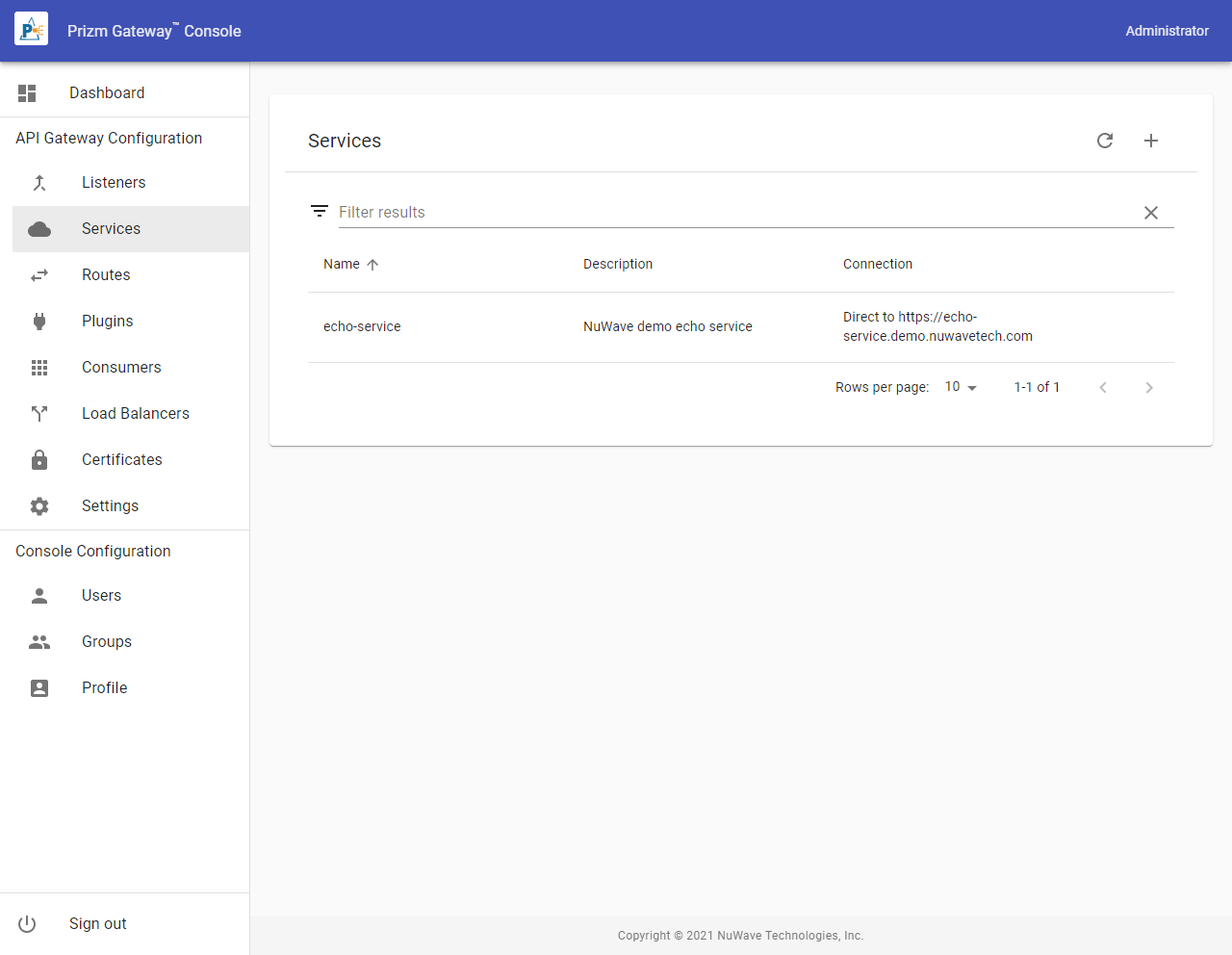
To create a Service, select the Add action icon from the Services list. To edit an existing Service, select it from the List.
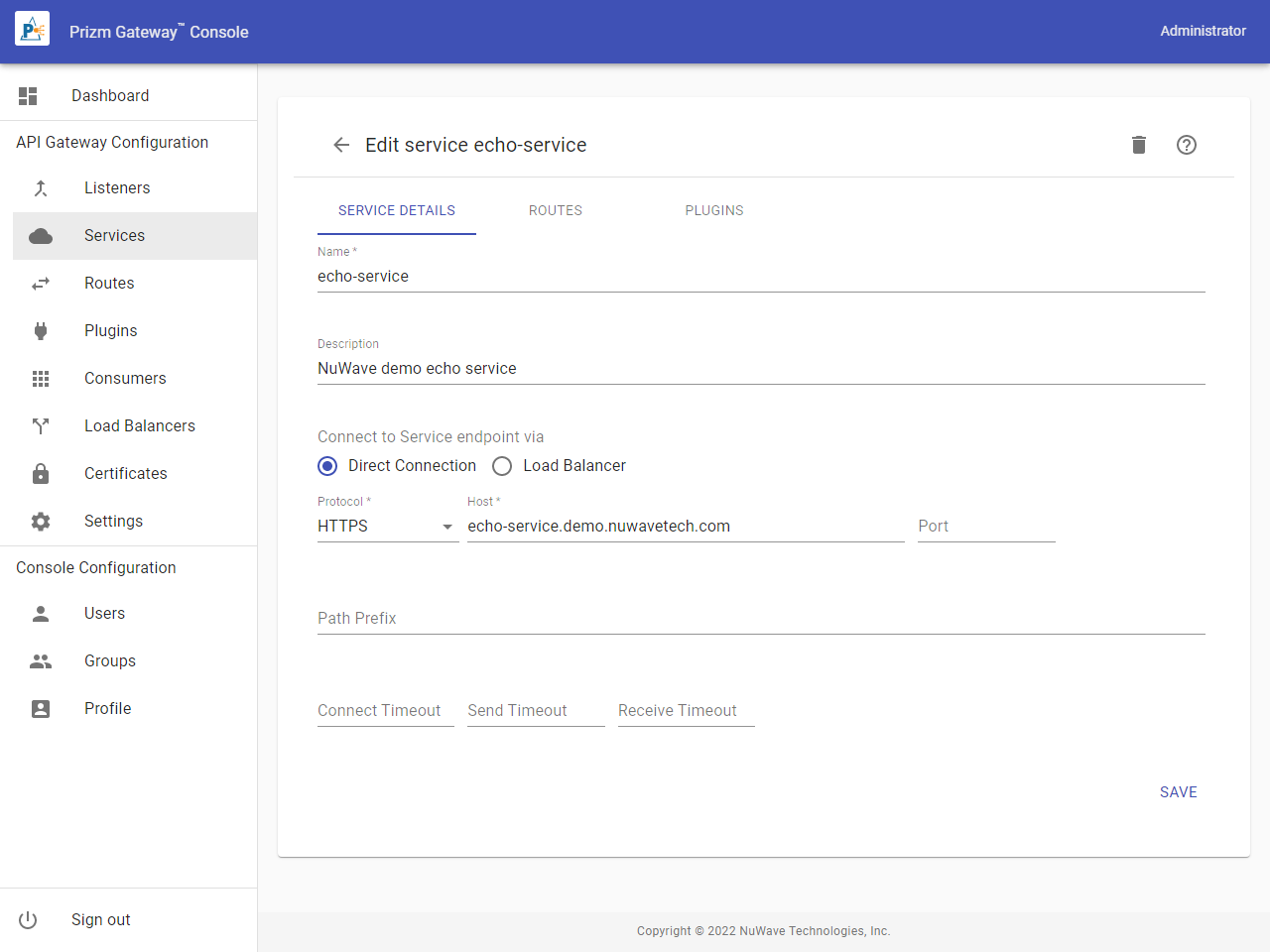
Service Properties
To configure a Service to connect via a Load Balancer, the Load Balancer must have been previously configured. See Configuring Load Balancers.
|
Property |
Description |
|---|---|
|
Name |
The name of the Service. Names must begin with a letter, end with a letter or digit, be 64 characters or less in length, and contain only letters, digits, hyphens, underscores, or periods. |
|
Description |
A brief description of the Service. |
|
Connect Via |
Select Direct Connection to indicate that requests should leave the gateway directly to the service endpoint. Select Load Balancer route the request through a previously configured Load Balancer. |
|
Protocol |
For a direct connection, the protocol to use to connect the the web service provider |
|
Host |
For a direct connection, the host name to use to connect the the web service provider. |
|
Port |
For a direct connection, the port to use to connect the the web service provider. If omitted, the default port for HTTP or HTTPS is used. |
|
Load Balancer |
For a Load Balancer connection, the name of the Load Balancer to use |
|
Path |
A value URI path that will be prepended to the request when forwarded to the backend service. For example, if the request is GET /a/b, and path is /c, then the request will be sent as GET /c/a/b. |
|
Connect Timeout |
The connection timeout for the connection to the upstream server. The timeout is specified in milliseconds. |
|
Send Timeout |
The send for the connection to the upstream server. The timeout is specified in milliseconds. |
|
Receive Timeout |
The receive timeout for the connection to the upstream server. The timeout is specified in milliseconds. |