
Users define the users that have access to the gateway Console. To access the Users list, select Users from the Menu.
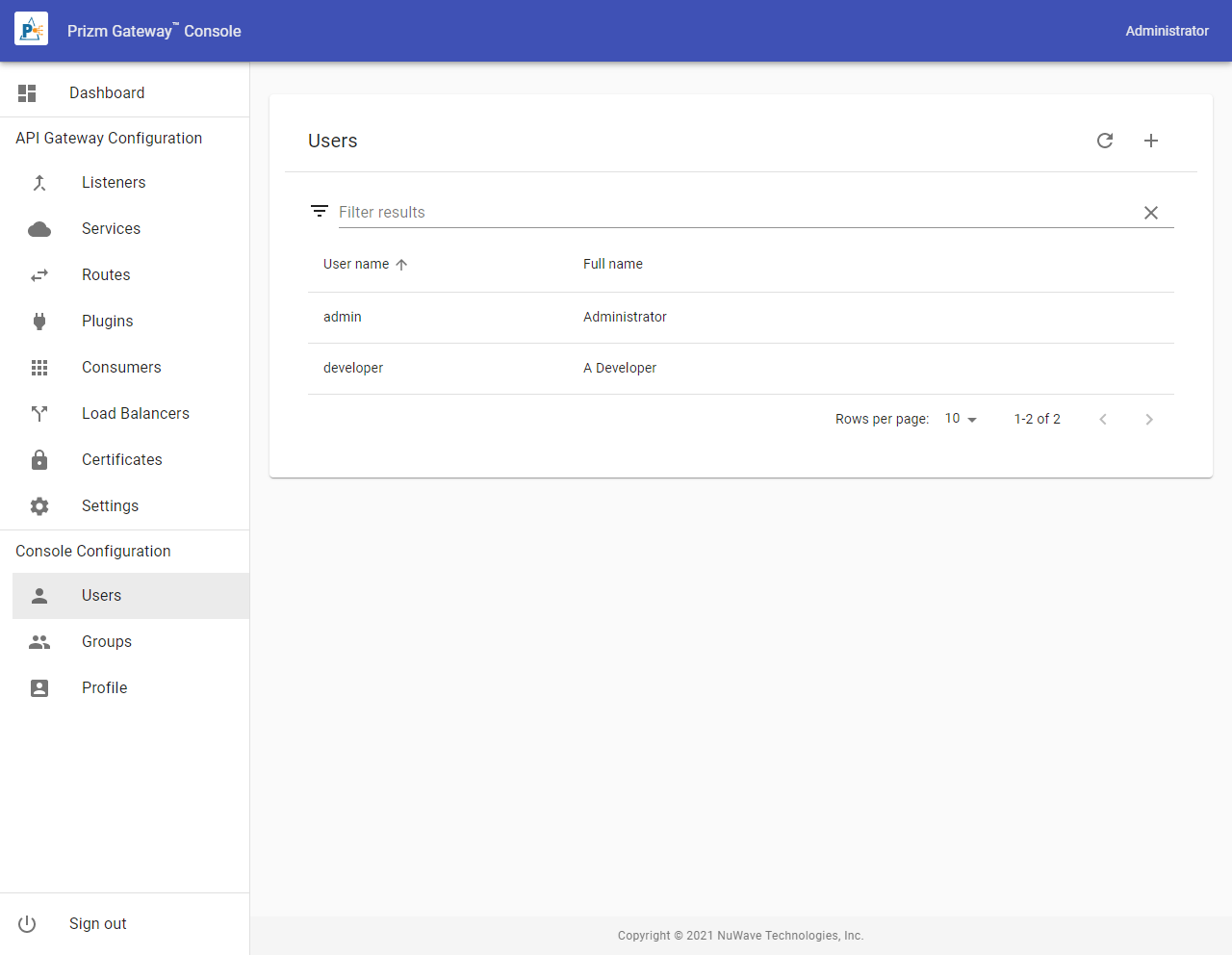
To create a User, select the Add action icon from the Users list. To edit an existing User, select it from the List.
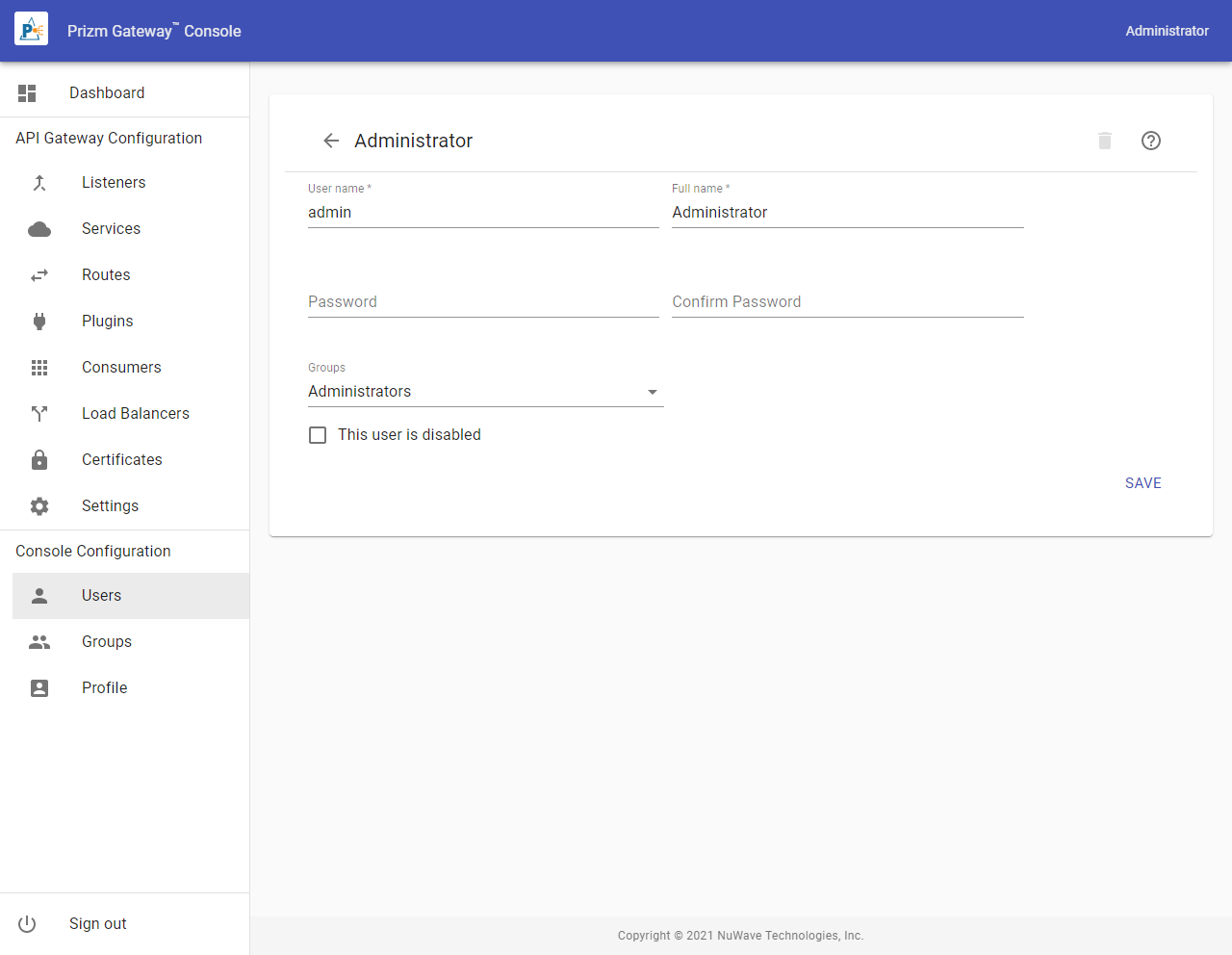
User Properties
|
Property |
Description |
|---|---|
|
User Name |
The User Name of the User. Names must begin with a letter, end with a letter or digit, be 64 characters or less in length, and contain only letters, digits, hyphens, underscores, or periods. |
|
Full Name |
The User's full name |
|
Password |
The User's password |
|
Confirm Password |
Re-enter the User's password for confirmation. |
|
Groups |
Select the groups to which this user belongs. |
|
User disabled |
Select this option if the user is disabled. Disabled users cannot sign into the Console |